
Track individual and group sessions, monitor student progress, and use your data to create clear documentation in one place.
14 days free. No card needed to start. If you choose to subscribe, you're charged that day.
See a sample report (de-identified)
The clinical-first workflow
- CELF-5 Core Language68
- Receptive Language72
- MLU · 47 utterances3.4
Your scores, notes, and observations.
“Student demonstrated a standard score of 72 on the clinician-entered measure. Interpretation requires review of the full assessment and observations…”
Built only for licensed school SLPs.
You stay the clinician of record. We just write the first draft.
How it works
Start with one student and one goal. Save trials, write a note, then review the goal graph and progress update. Evaluation reports use the notes and official scores you enter in that case; review the draft before copying or exporting Word.
- Track
1. Add one goal and track
Tap correct, incorrect and prompted trials live, for one student or a whole group. Each goal gets its own progress graph.
- Live session tally
- Goal progress graphs
- Attendance and makeups
- Draft
2. Save a note and review progress
Write a plain, Session or SOAP note. Your saved tallies feed goal graphs and therapy progress updates. Target goal criteria stay separate from observed performance.
- Progress updates
- Present levels
- Evaluation report drafts
- Create
3. Review and export a report
For an evaluation or case present levels, enter notes and official scores, generate a draft, review accuracy checks and edit before exporting Word. Progress updates can be copied; there is no direct SEIS or Medicaid connection.
- Clinician review
- Copy plain text
- Evaluation Word export
Live data on every goal — without the spreadsheet shuffle.
Tap a percentage during session. Watch the line climb across weeks. Generate a progress report from real numbers — not vibes, not a scramble the night before report cards.
M.G. — 12 weeks of progress
4 groups, 9 students
- 9:15Articulation · K-278%
- 10:00Language · 3rd64%
- 1:20Fluency · 5th91%
- 2:10Pragmatics · 4th72%
- Final /k/ in words92%
- WH-questions, 3-step74%
- Topic maintenance, 3 turns58%
- Past tense -ed81%
Vertical mark = IEP target. Bars update as you log sessions.
Goal 1: Production of /s/ in conversation
Over 14 sessions across 12 weeks, M.G. moved from a baseline of 56% to a current accuracy of 87%, exceeding the IEP target of 80%. Progress was steady, with two plateaus documented in the fictional session notes.Goal status requires review of all annual-goal criteria.
From data to a draft you review — in five steps.
Add notes and official scores, generate a draft, then review and export.
- Step 01Enter scores
Type official scores from your test manual. Review flagged numbers in the draft.
- Step 02Add notes
Type or paste session notes, parent input, classroom observations.
- Step 03Generate draft
In your voice, in your district template.
- Step 04Review
Numbers you didn't enter get flagged.
- Step 05Export .docx
Download an editable Word report after your review.
From SLPs who’ve used it or reviewed it.
“I have used SLP Draft for a couple of months, and I am never going back. I was a Type B therapist, but I have turned into a Type A. I was looking for papers everywhere — now it is all at my fingertips. Not to mention the bilingual support.”

“Yes, the data tracking feature changed my life. I have to do 8 million different things in 1 session; this takes one thing off of my plate. I can focus on the kids; their goals and progress are on the same page. And during progress report time, it is all there to go back to. I love this app; it has changed my practice, and I can focus on what I got into this field to do. Which is not paperwork.”

“An amazing app for speech therapists — it makes managing data and progress so much easier. I've personally used and assessed it; it's worth a try.”
“I would definitely use this software — it can save so much time during report writing.”
“I'd recommend it because it's designed by a qualified SLP with reliable information — unlike the misguided facts I see online.”
Quotes marked “Reviewed a demo” come from SLPs who evaluated the product but are not yet customers. We don’t present them as user results.
What it costs
Less than one billable hour a month.
- 14 days free — no card to start
- Unlimited reports and students
- Cancel any time, keep your exports
- One report saved pays for the month
14 days free.
Then $24/month.
Or $240/year.
No per-seat games, no district contract, no annual lock-in. Cancel from your account page — keep access through the end of your billing period.
Built to reduce after-hours documentation and report-writing time.
- Unlimited cases & evaluation reports
- Full Evaluation Report + IEP Present Levels templates
- Testing entry, oral mech, and MLU calculator
- Section-by-section draft builder with snapshots
- Clean .docx export to your district template
- Your entered scores, percentiles, and CIs left untouched
- Email support
No card required to start. Cancel anytime. See full pricing page for annual and refund details.
Initials or case codes can reduce identifying details, but initials and DOBs alone do not guarantee de-identification. Follow your district's privacy rules.
Prompts and outputs are contractually excluded from model training at every AI provider we use.
Database policies are configured so each clinician can only read their own cases.
A full documentation workspace — not a chatbot with a report prompt.
Hover the highlighted spots to see how the draft is built from what you entered.Tap it to read the full sample report.
Formal & informal measures
On the CELF-5, M.G. earned a Core Language standard score of 85. In this fictional example, the clinician also recorded a mean length of utterance was 3.4 across 47 utterances. Clinical interpretation remains the clinician's responsibility.
Classroom observation confirmed difficulty following multi-step directions in noisy contexts, while one-to-one comprehension of narrative text was age-appropriate.
- Age-appropriate narrative recall
- Strong vocabulary in preferred topics
- Multi-step direction following
- Formulated sentence complexity
A session plan built off the goal on the page.
Pick a student — their active IEP goals load in — and the Activity Studio drafts three countable activities, a book pairing, a copy-paste parent carryover note, and kid-safe web & video links to watch together. No staring at a blank planner at 8:05 a.m.
M.G. — 30-min session plan
- 1Warm-up · minimal pairs5 min
/s/ vs /θ/ picture sort. Count correct productions out of 10.
- 2Story-built practice15 min
Read A My Name is Alice. Highlight every /s/ target. Tally hits in conversation.
- 3Carryover game10 min
“I spy” with /s/ words only. Score: 4/5 unprompted.
“At dinner, ask M. to name three foods with the /s/ sound. Praise clear productions. Skip correction tonight — just listen and celebrate.”
A My Name is Alice
Jane Bayer · Grades K–2
Alliterative name game with repeated /s/ targets — every turn is a natural production trial without drill fatigue.
- Articulation
- Phonological awareness
Age-filtered queries with Google SafeSearch on. Real search links — never a made-up video URL.
- “Articulation /s/ songs for kids”YouTube · SafeSearch
- “Minimal pairs /s/ /θ/ worksheets”Google · Grades 3–5
Activities map to the exact IEP goal wording you entered — not a generic age bin.
Use the activity plan during therapy, then record trials on the student's goal in Therapy.
One plan, multiple goals — mix articulation and language in the same 30 minutes.
Wherever you see clients.
Pick your setting once and the whole app follows — IEP and eligibility language in schools, IFSP outcomes in early intervention, medical necessity and EMR-ready notes in clinics and hospitals.
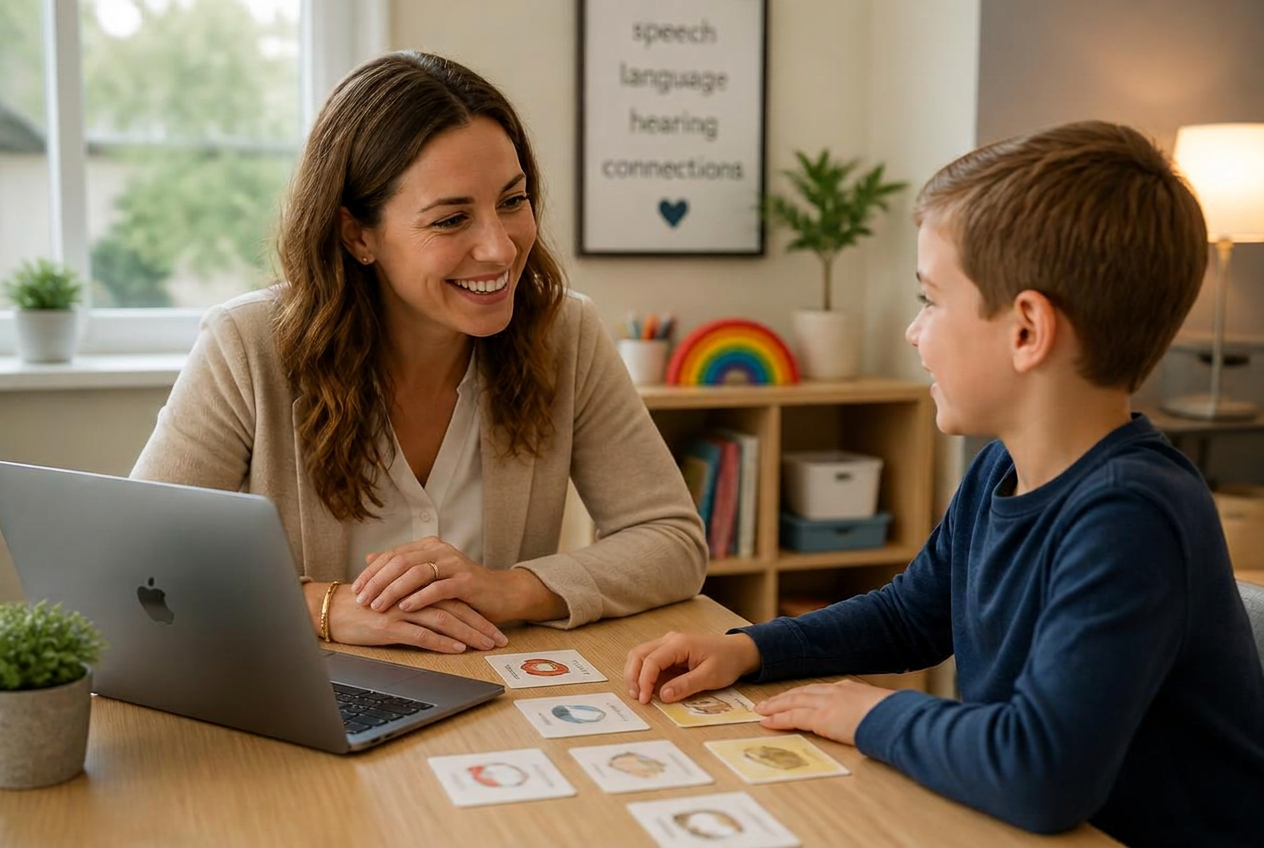

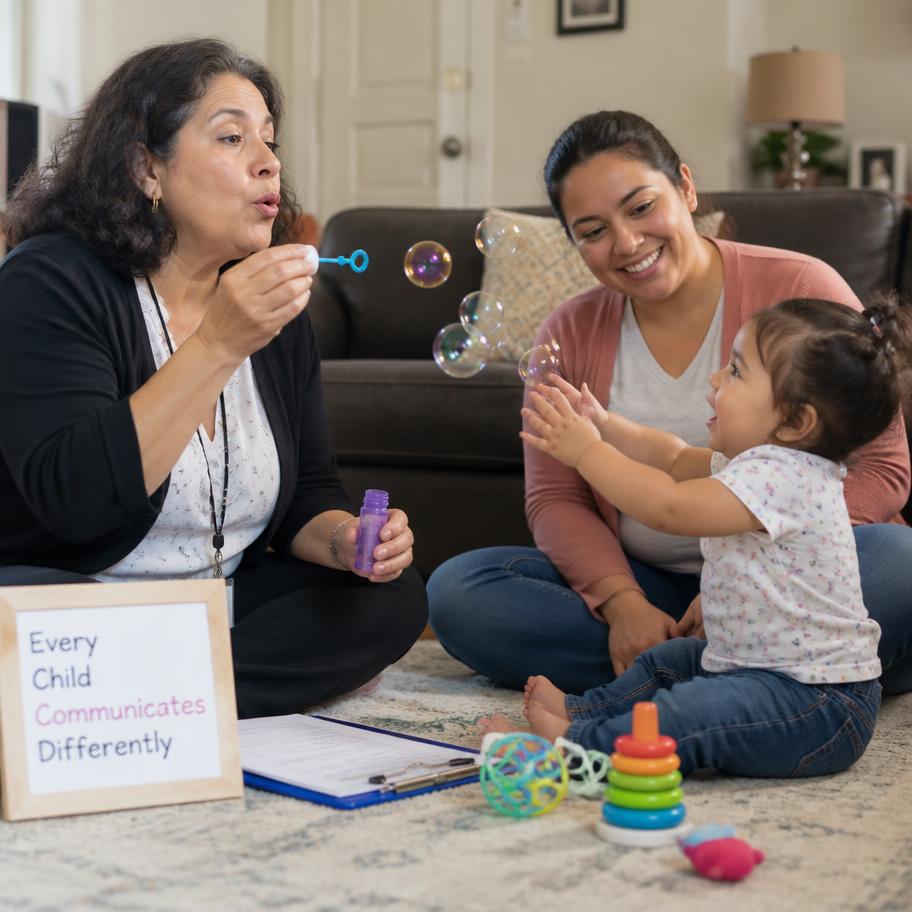

Built for school-based caseloads, ages 3 through 21.
From referral to signed report — in five steps.
One case file. Five tabs that match how an evaluation actually moves. No placeholder modules, no fake dashboards, no recording your sessions.
Open a case with the referral on your desk.
Initials, age, and referral reason go in first. Parent concerns, teacher input, oral mech, and record review live on the same screen — not buried six clicks deep.
SLP Draft vs. generic report writers.
General-purpose AI tools and generic report writers were not built around the safeguards an evaluation requires. Here's what changes when the tool was built by — and for — an SLP.
- SLP Draft
- Yes
- Generic AI
- No
- Generic report tools
- Sometimes
- SLP Draft
- Yes
- Generic AI
- Varies
- Generic report tools
- Varies
- SLP Draft
- Yes
- Generic AI
- No
- Generic report tools
- No
- SLP Draft
- Yes
- Generic AI
- No
- Generic report tools
- Sometimes
- SLP Draft
- Yes
- Generic AI
- Shared
- Generic report tools
- Varies
- SLP Draft
- Yes
- Generic AI
- No (default)
- Generic report tools
- Varies
- SLP Draft
- Yes
- Generic AI
- N/A
- Generic report tools
- Rare
"Generic AI" refers to consumer chat tools used directly for report drafting. "Generic report tools" refers to non-SLP report-writing software repurposed for evaluations. Both have their place — but capabilities vary. SLP Draft includes checks against entered scores and a rule-based, reviewable MLU calculator. Clinician review is still required.
Questions clinicians actually ask.
Still on the fence? Try it free for 14 days.
Start your 14-day free trialStart drafting reports you review — today.
14 days free, full access, no credit card. Cancel anytime.
- No credit card
- FERPA-informed
- Never trains AI